




Warning! The content within this article is over 36 months old and, therefore, may be out of date.
HOWTO: Remove a Host from a VMware NSX-V enabled vSphere Cluster
Share this article on:



VMware NSX-V VCAP6-NV VCIX6-NV HOWTO
Published on 30 July 2017 by Christopher Lewis. Words: 256. Reading Time: 2 mins.
Introduction
When you remove a host from a VMware NSX enabled cluster, the NSX VIBs are automatically removed. The process steps for removing hosts from a VMware NSX enabled cluster is the same as if you were removing a host from a standard vSphere cluster.
Step by Step Guide
Remove a Host from a VMware NSX enabled Cluster
Note:
These steps assume you are not even logged into vCenter Server. Skip the first few steps if you are!
- Using your favourite web browser, navigate to the vCenter Server login page (
https://vcenter.fqdn).
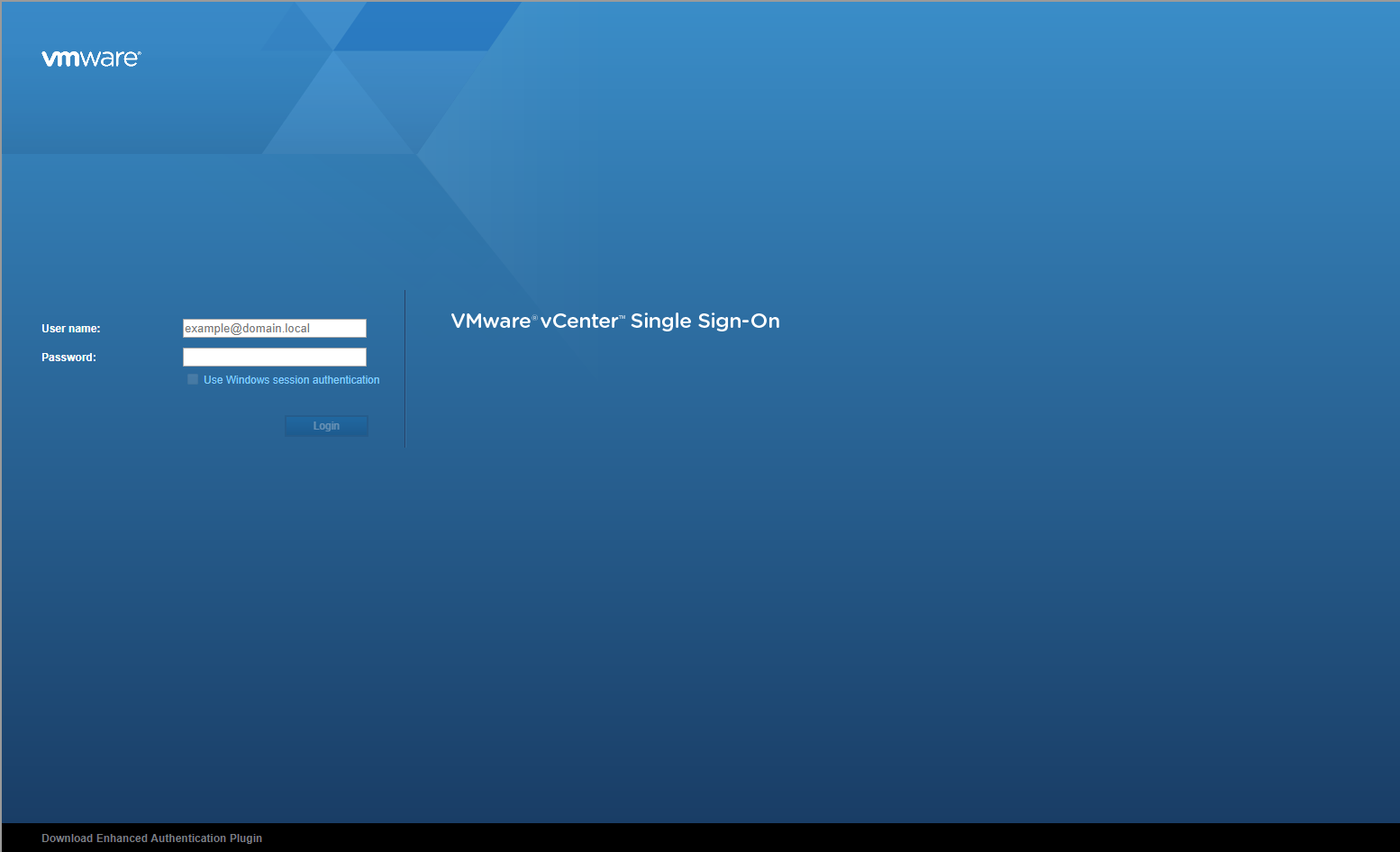
- Type the appropriate User name and Password and click Login.
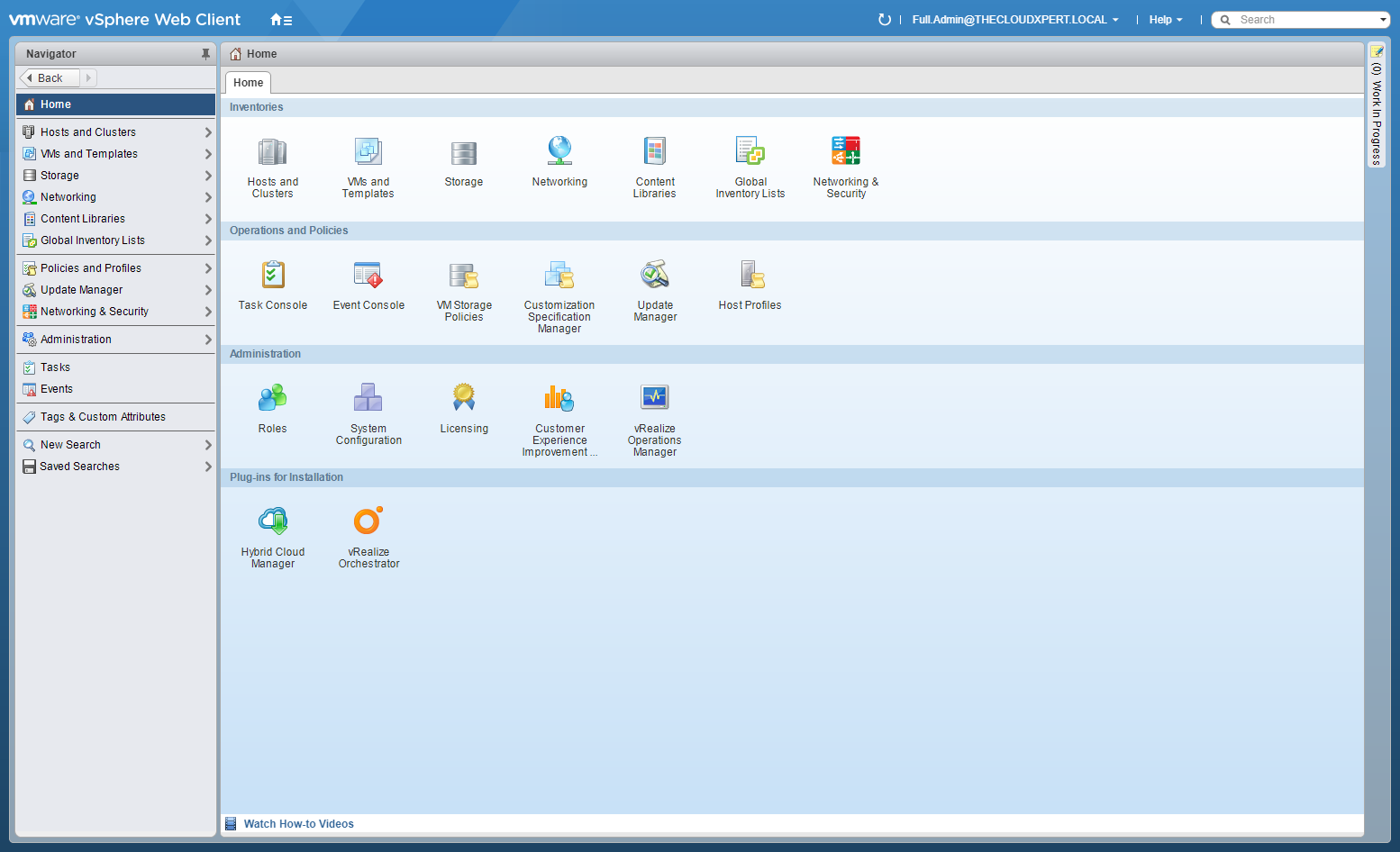
- Double-click on Hosts and Clusters.
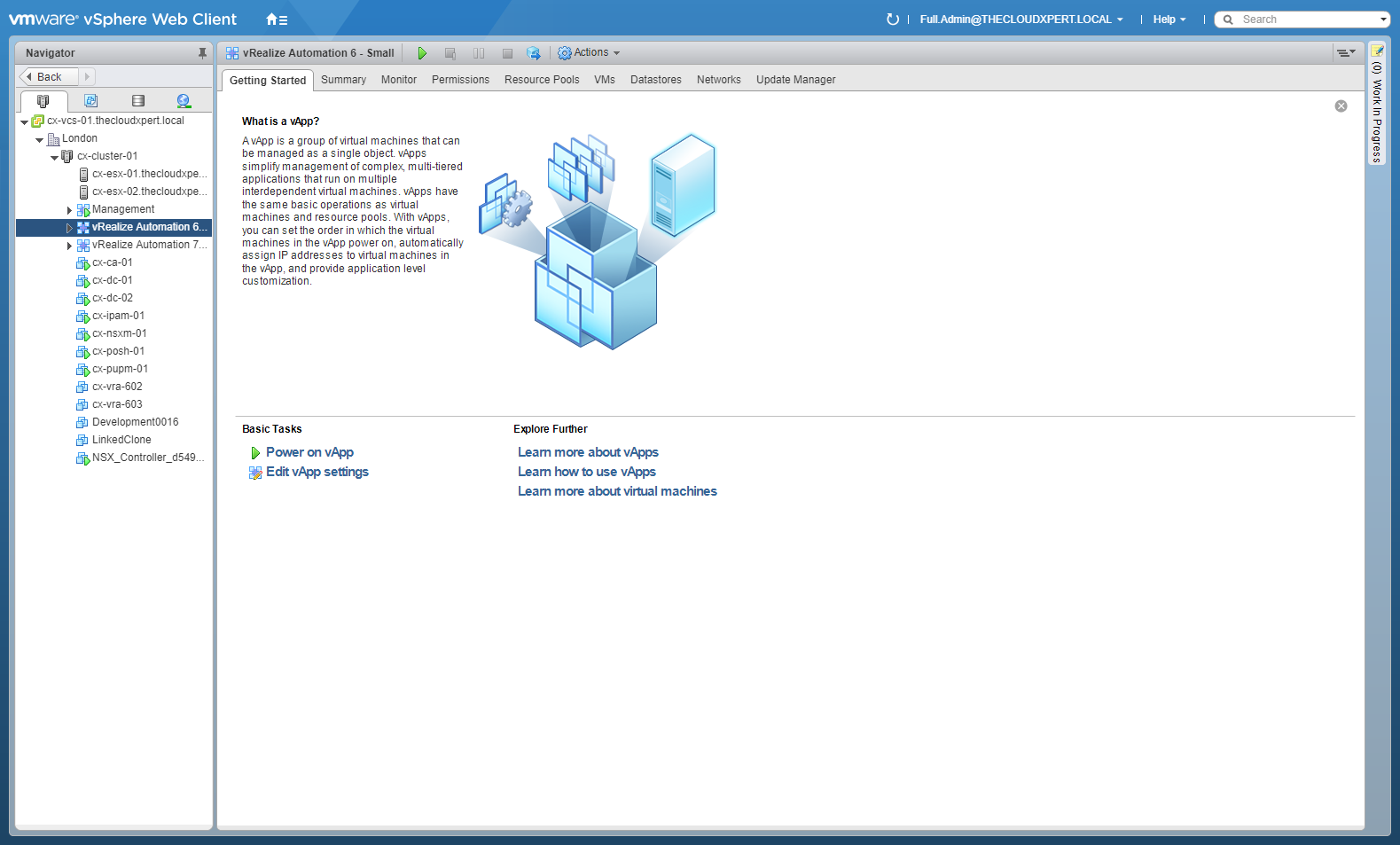
- Locate the target host.
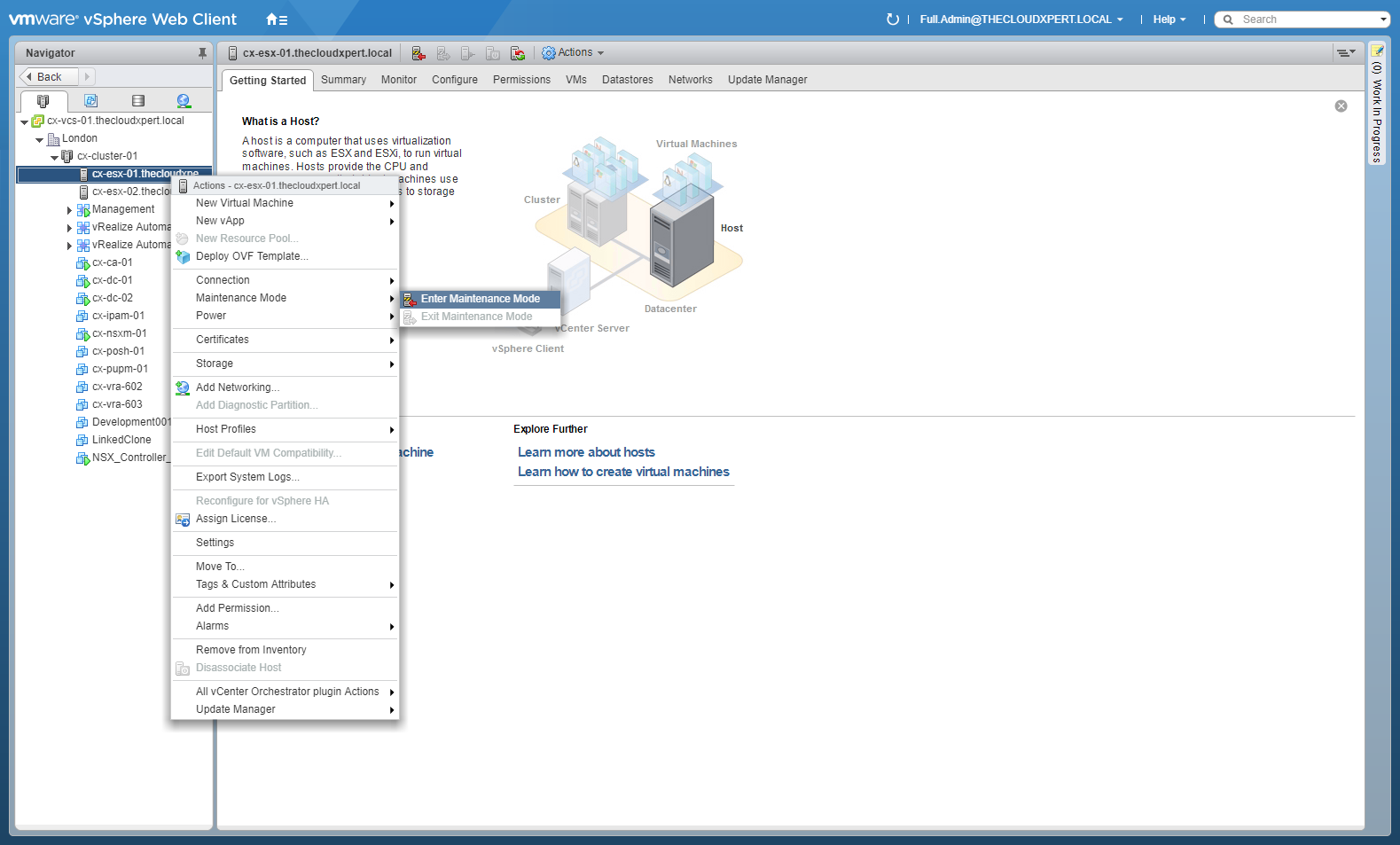
- Right-click on the host and select Maintenance Mode and Enter Maintenance Mode.
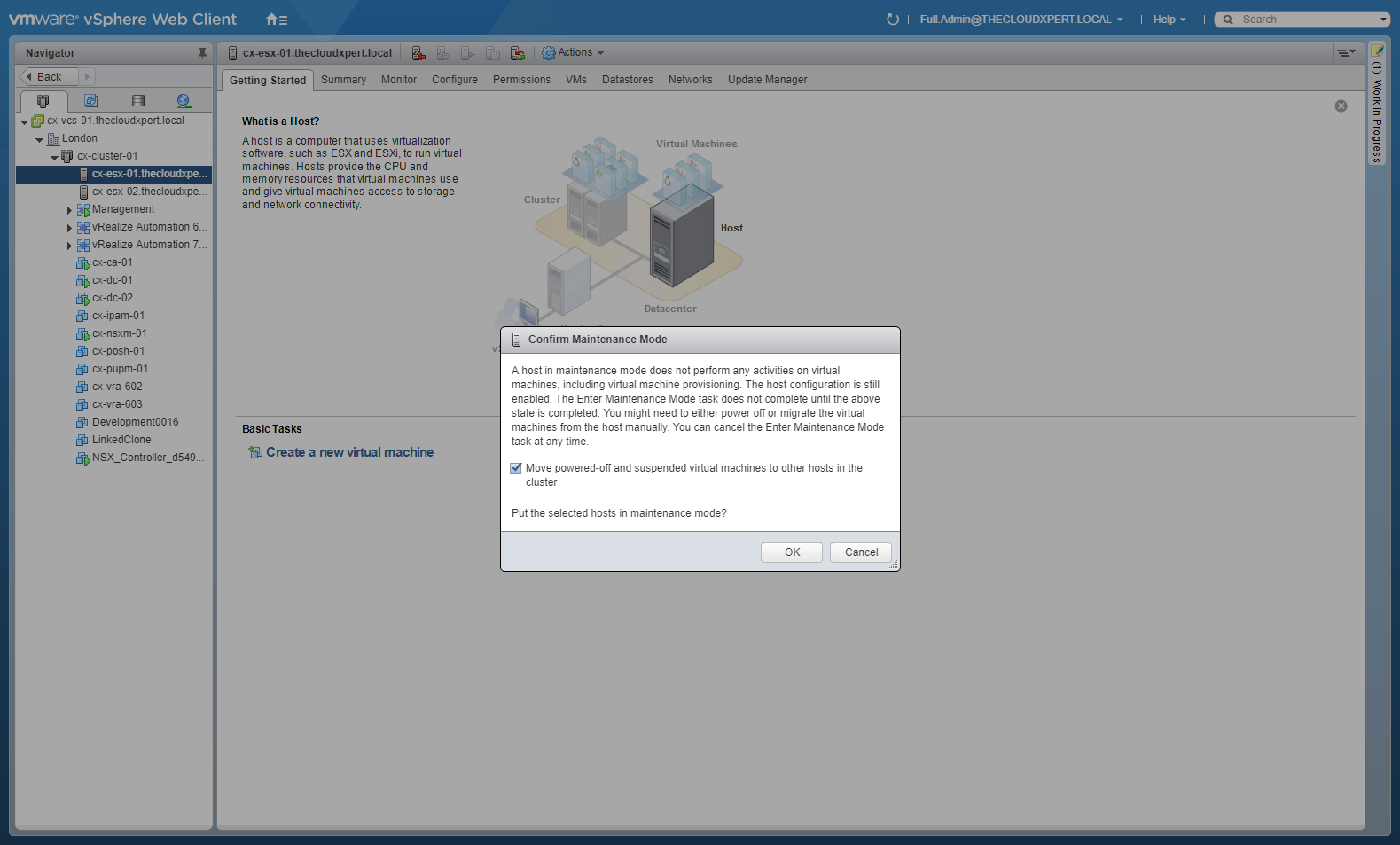
- Click OK.
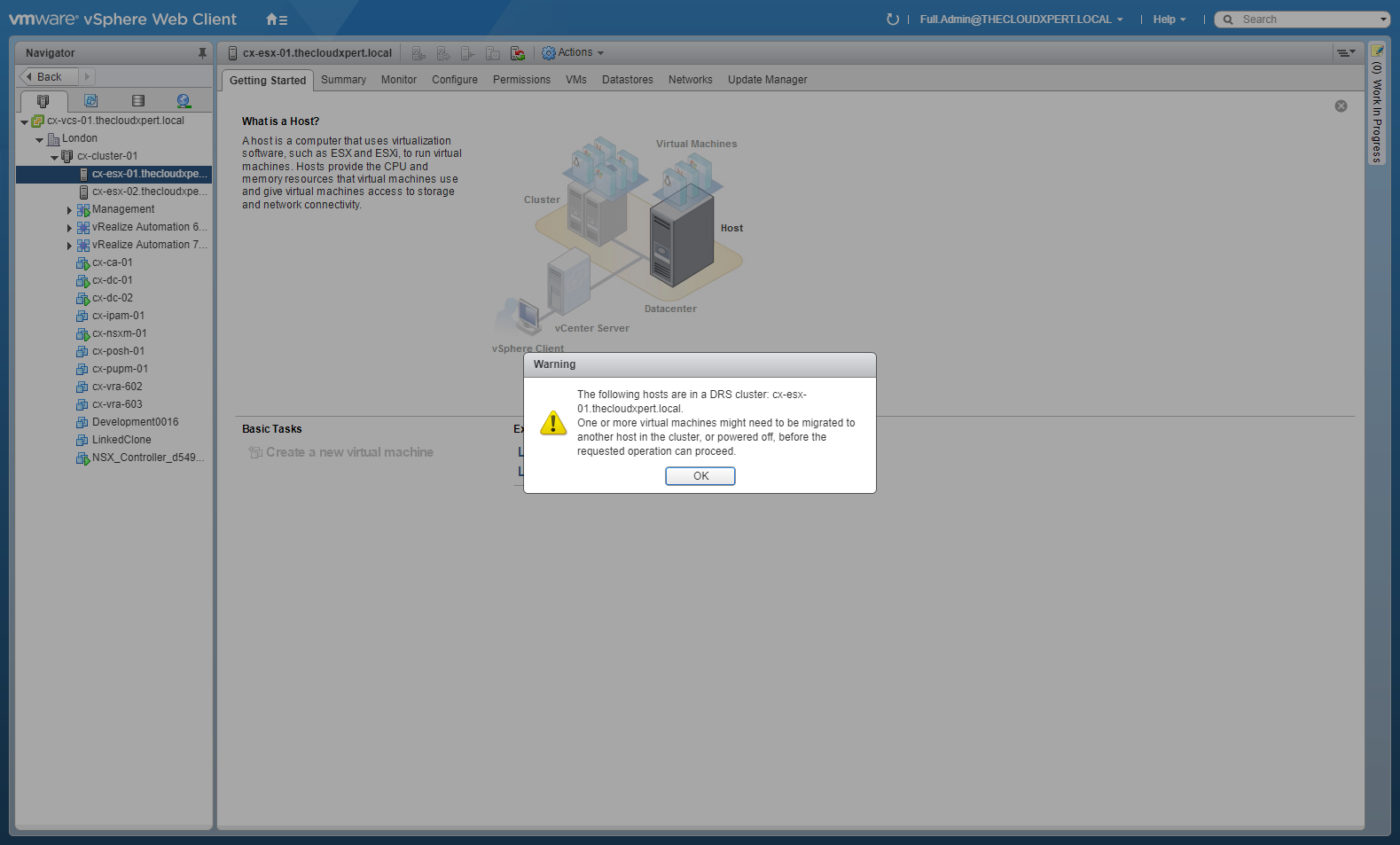
- Click OK.
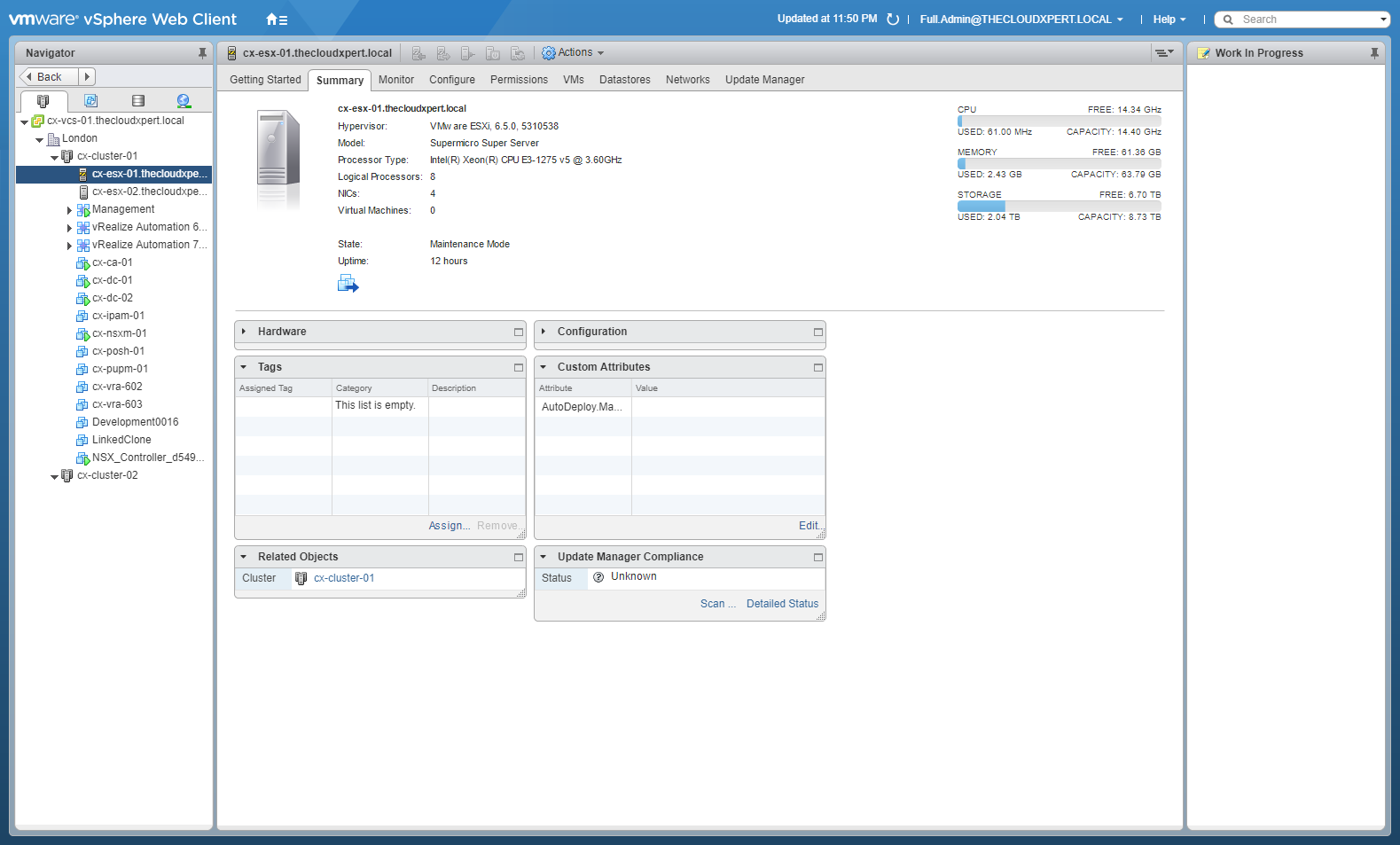
- Drag and drop the target host out of the NSX enabled cluster (and optionally into a new vSphere cluster)
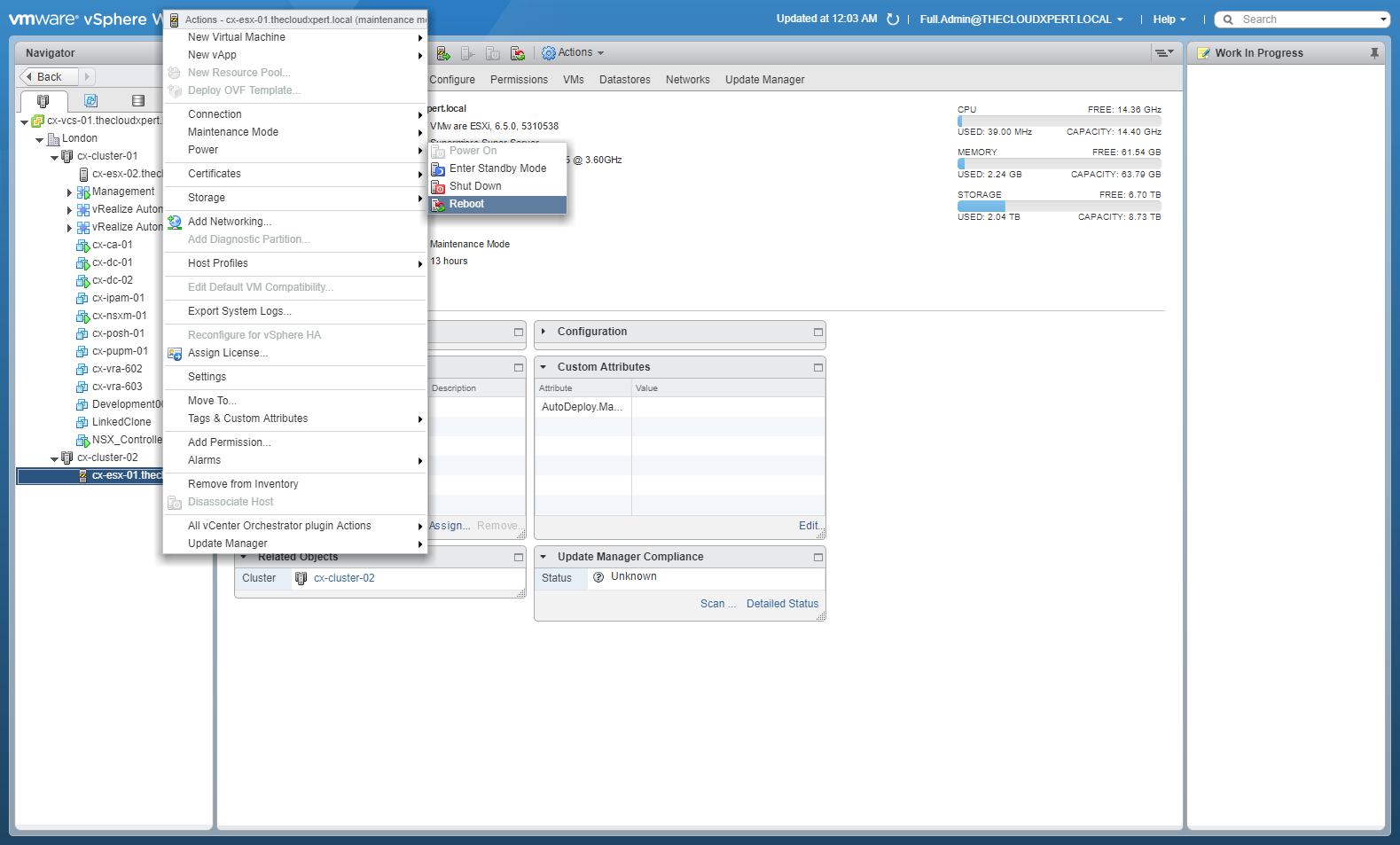
- Right click on the host and select Power > Reboot.
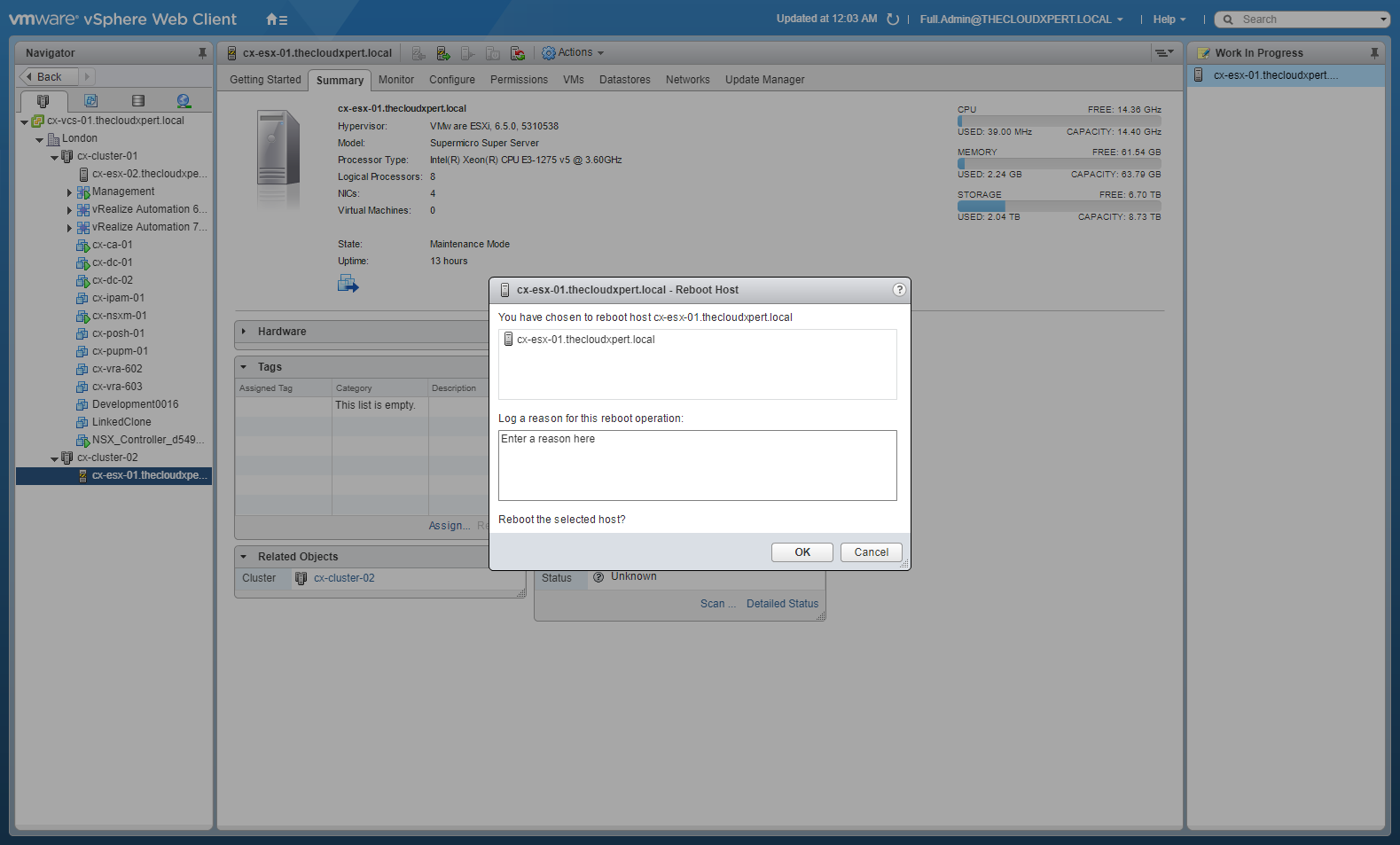
- Click OK.
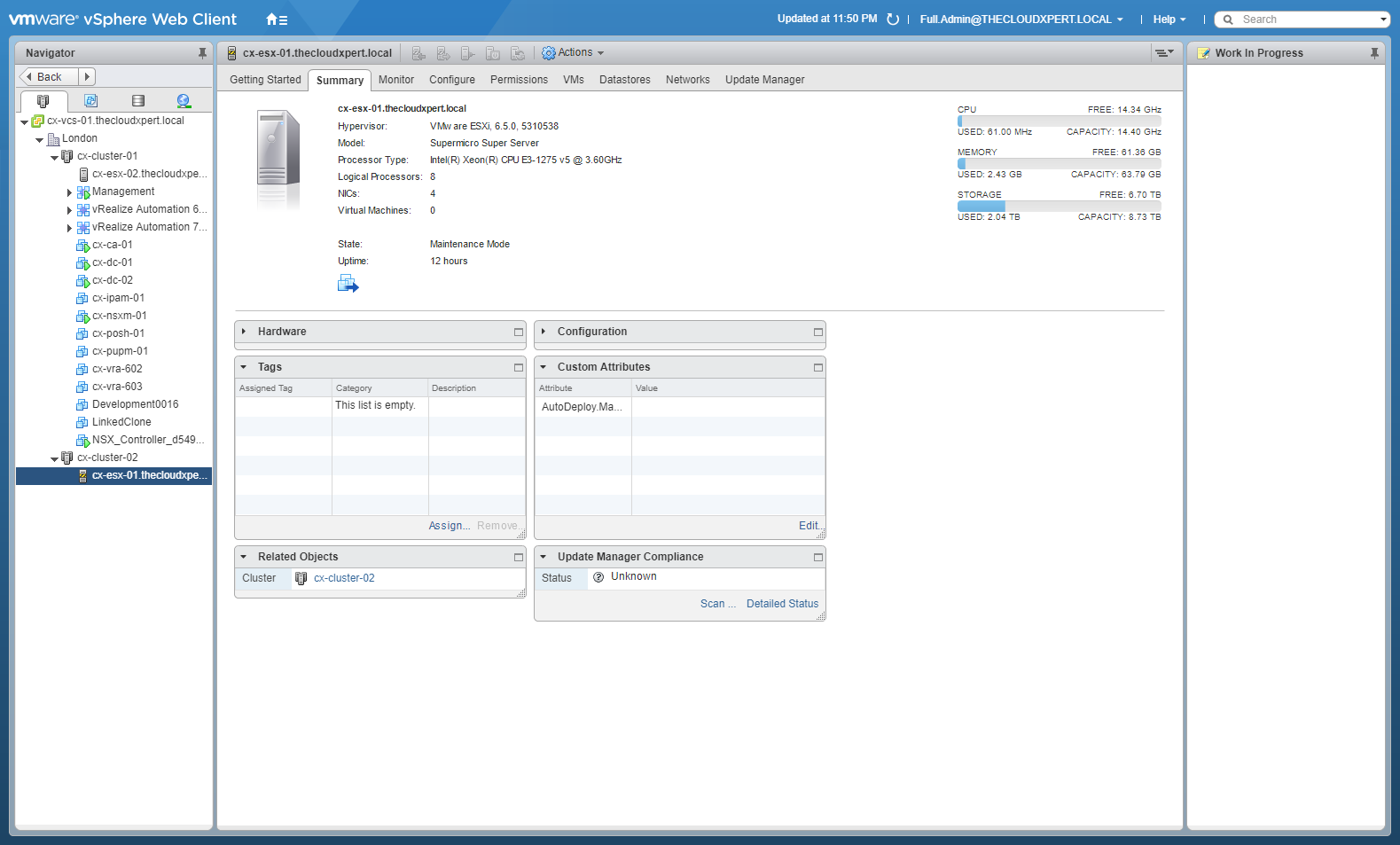
Note:
We know need to wait for the host to reboot.
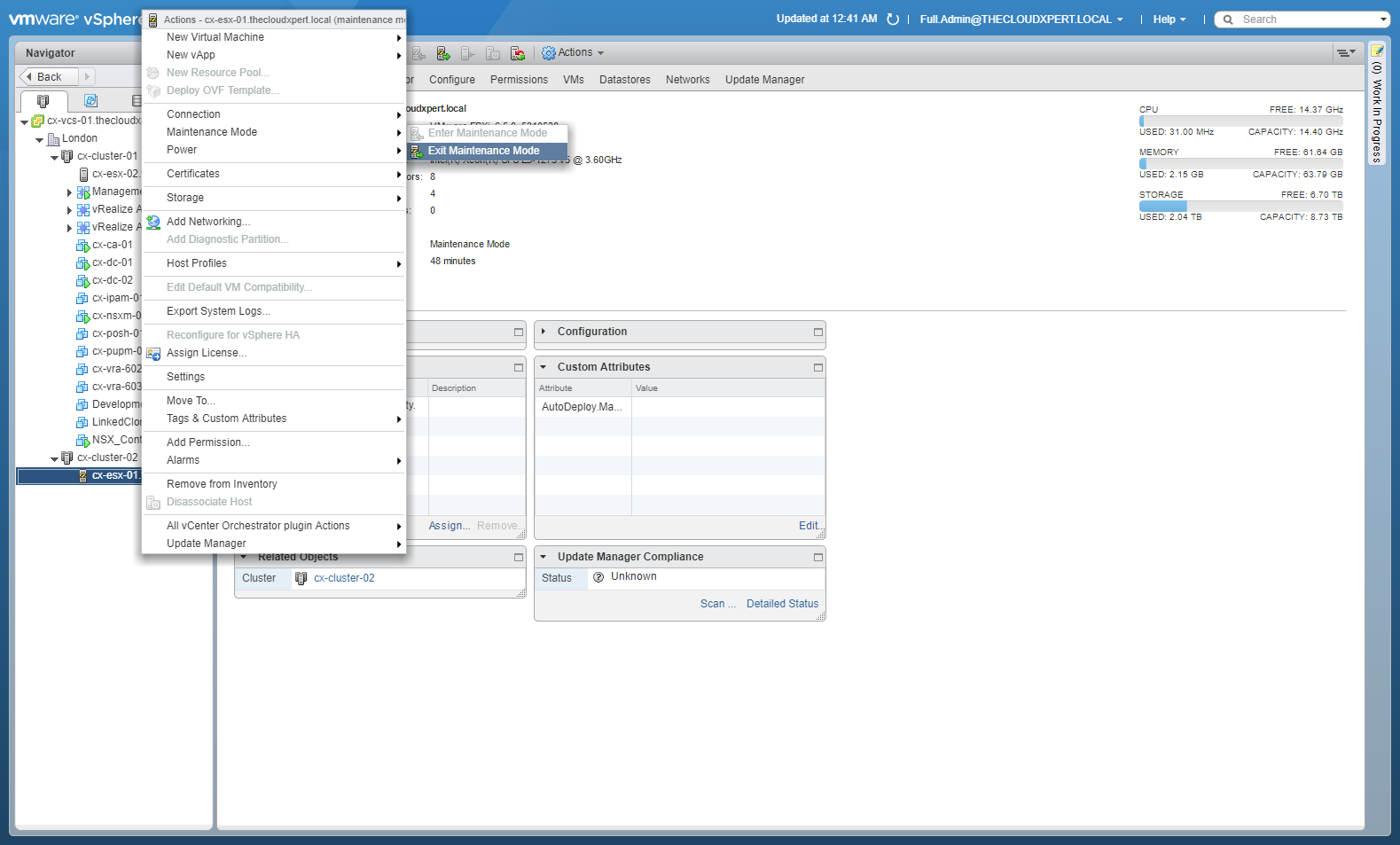
- (optional) Right-Click on the target host and select Maintenance Mode > Exit Maintenance Mode.
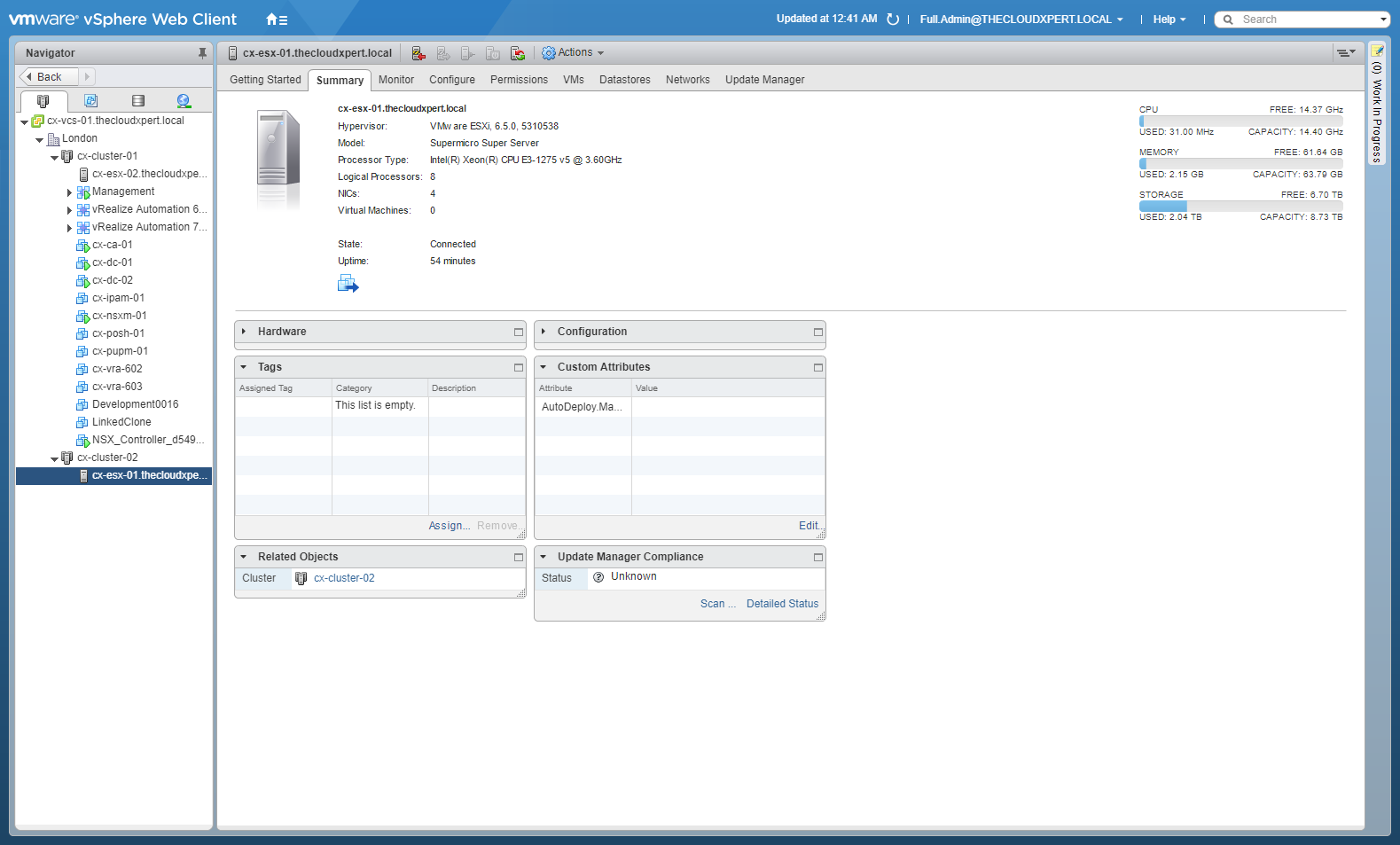
- Click Home > Networking and Security.
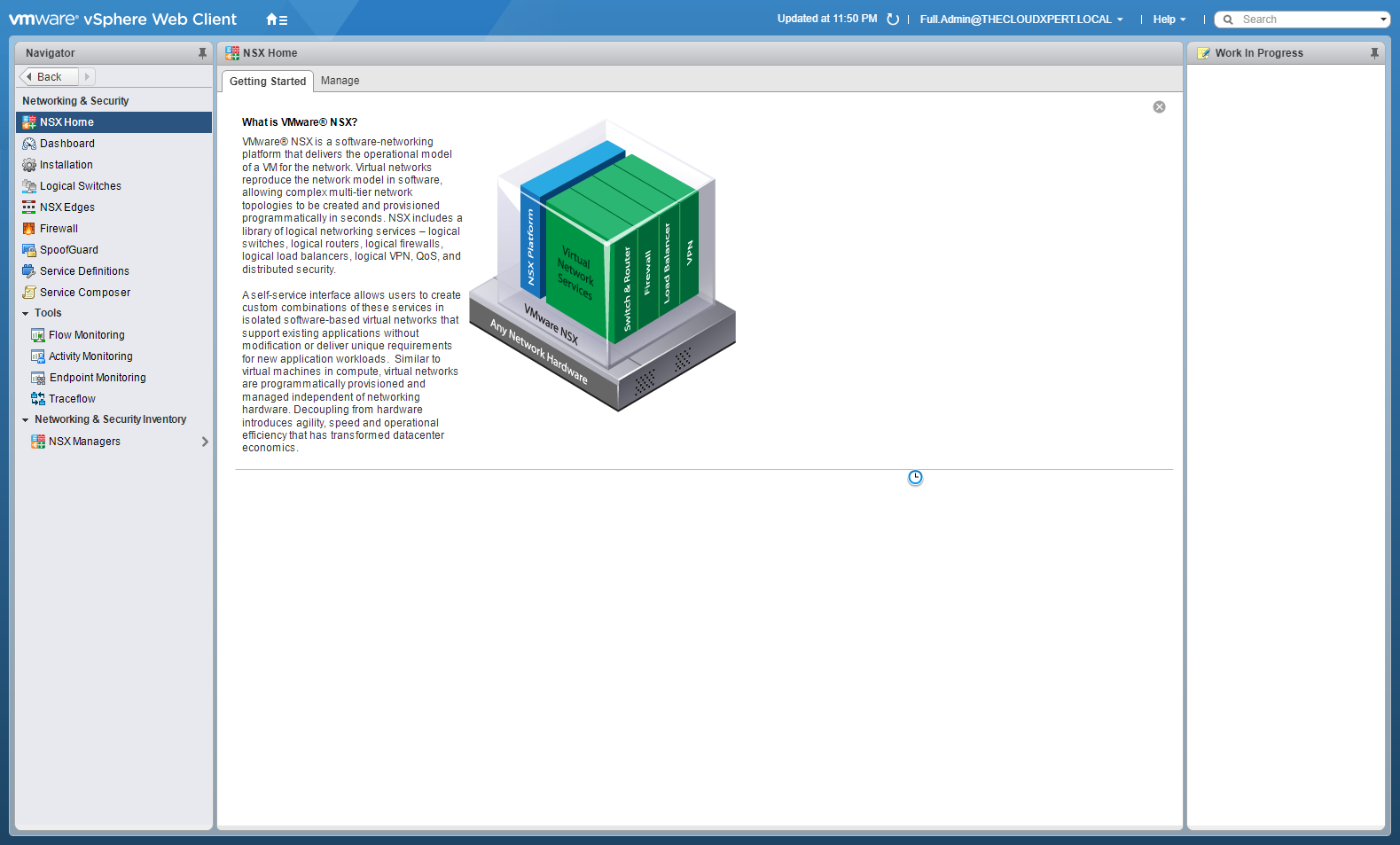
- Click Installation.
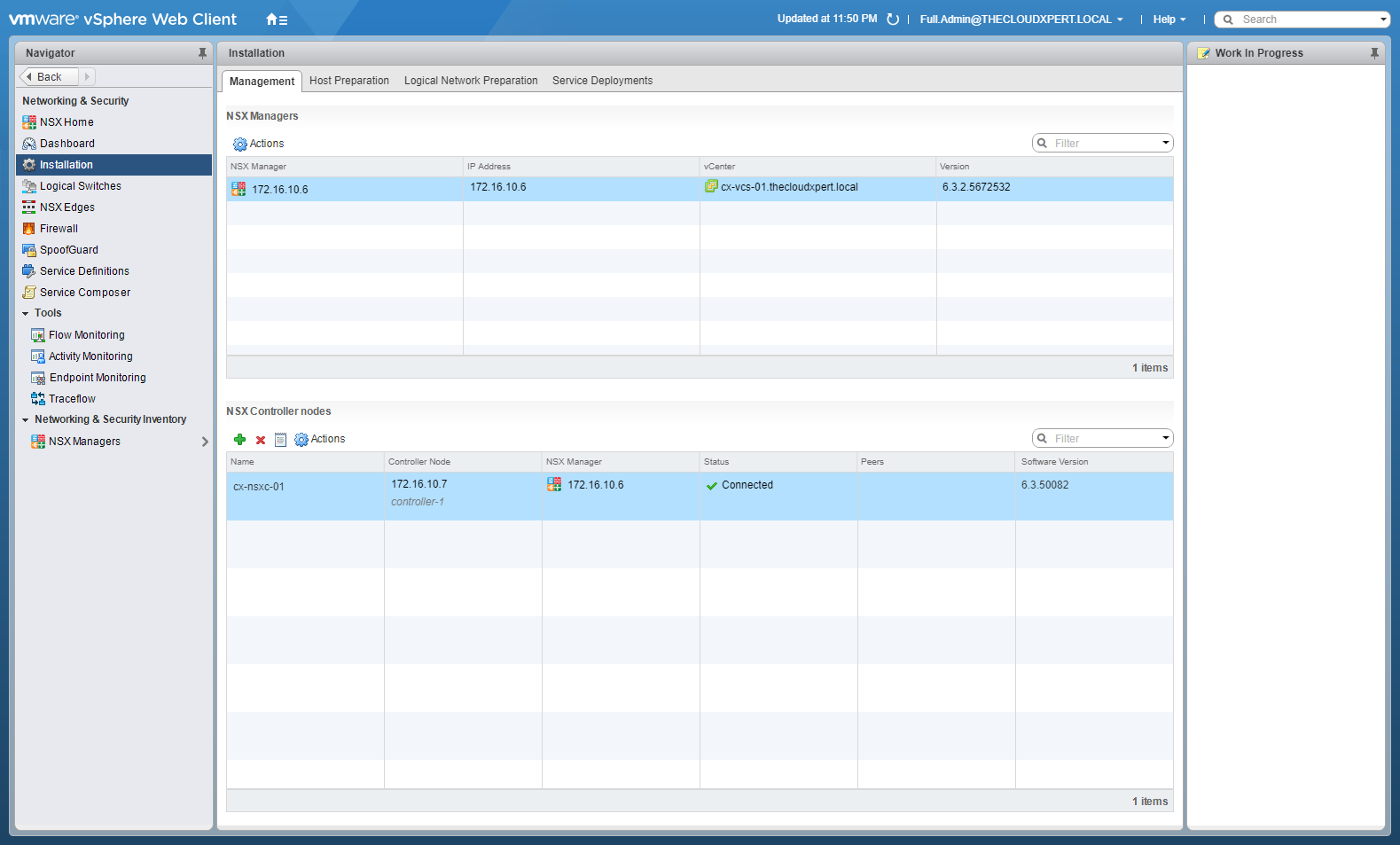
- Click Host Preparation.
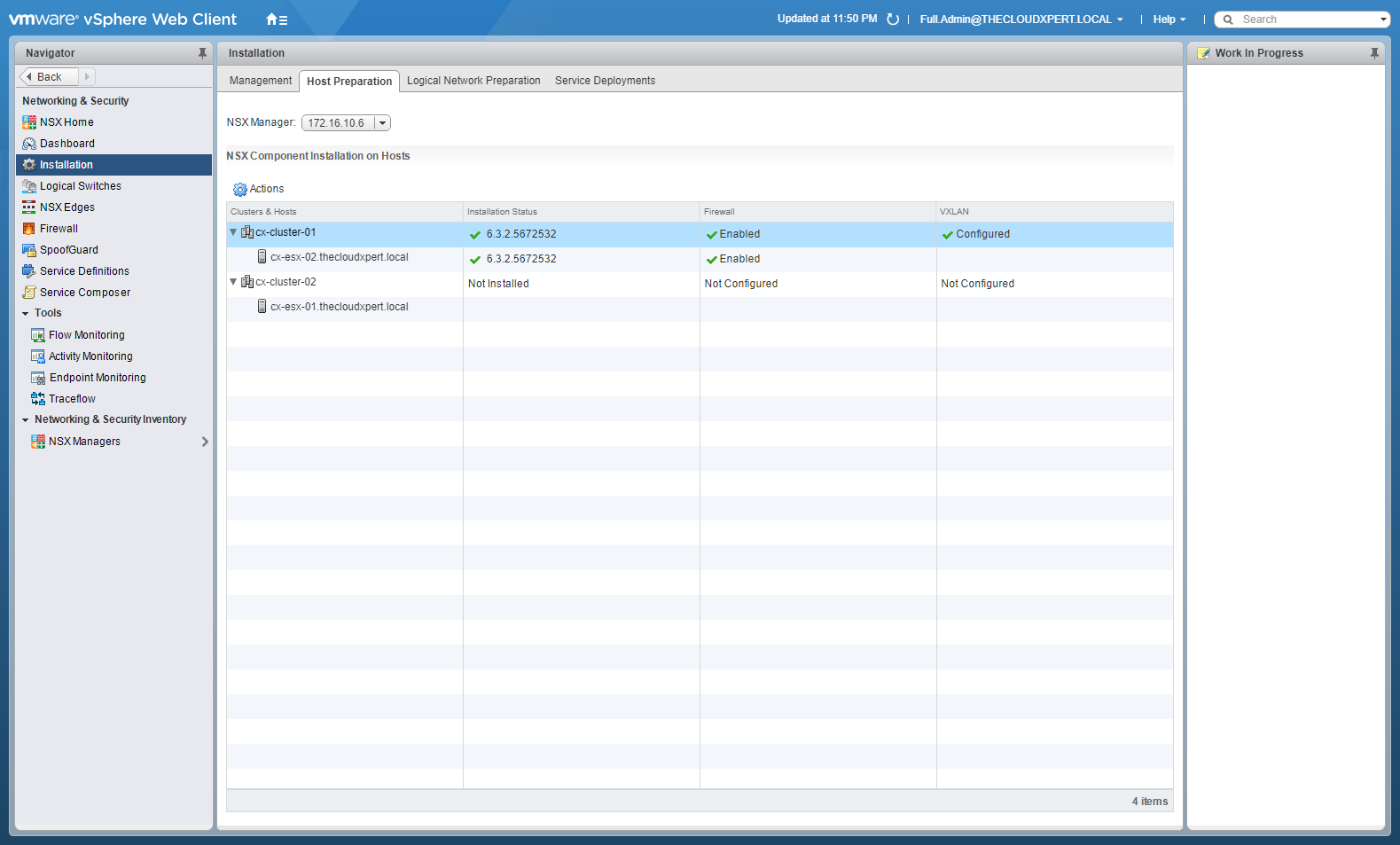
As you will see we now have two clusters, one is NSX enabled and one isn’t.
Manual Removal of VMware NSX VIBs
Once the ESXi Host is out of the cluster, if you’re having problems you can remove the VIBs manually by connecting to the host via SSH and running the following commands:
esxcli software vib remove --vibname=esx-vxlan
esxcli software vib remove --vibname=esx-vsip
Published on 30 July 2017 by Christopher Lewis. Words: 256. Reading Time: 2 mins.
Share this article on:
Related Post(s):
- VCAP6-NV Deploy - Objective 1.1 - Deploy VMware NSX Infrastructure components ()
- HOWTO: Exclude Virtual Machines from Firewall Protection in NSX-V ()
- HOWTO: Deploy the VMware NSX-V Controller(s) ()
- HOWTO: Deploy and Configure the VMware NSX Manager Virtual Appliance - Part 3 ()
- HOWTO: Deploy and Configure the VMware NSX Manager Virtual Appliance - Part 2 ()
About the Author:

Name: Christopher Lewis
Twitter/X: thecloudxpert
Role: Domain Expert - VCF Automation & VCF Operations
Company: Broadcom
Recent Posts by Christopher Lewis:
Blog Categories:
vmware260
certification91
vrealize automation80
vcap48
nsx45
nsx v41
vmworld36
vrealize suite lifecycle manager20
vrealize suite14
vrealize orchestrator13
aria automation9
general9
vexpert9
vmware aria automation9
vsphere9
powercli8
microsoft7
active directory6
powershell6
windows6
certificate authority5
certificates5
vcf5
vmug5
vmware aria operations5
vrealize operations manager5
vsan5
vcenter4
vmware cloud3
aria operations2
aws2
home lab2
vcap62
vcix2
vmware explore2
vmware identity manager2
vrealize business2
Top Tags:
vmware 99+
vrealize automation 74
vcap6 cma 48
vcap6 45
nsx v 43
vcap6 nv 37
vcix6 nv 36
vmworld 35
howto 33
barcelona 24
vrealize orchestrator 21
vrslcm 20
vexpert 19
api 18
vmworld 2016 13
vra 13
certificates 12
vmware aria 12
vsphere 12
vrealize suite lifecycle manager 11
multi tenancy 9
vcap 9
vmware aria automation 9
vmworld 2017 9
platform services controller 8
powercli 8
vmug 8
vrealize operations 8
certification 7
microsoft 7
powershell 7
vsan 7
active directory 6
psc 6